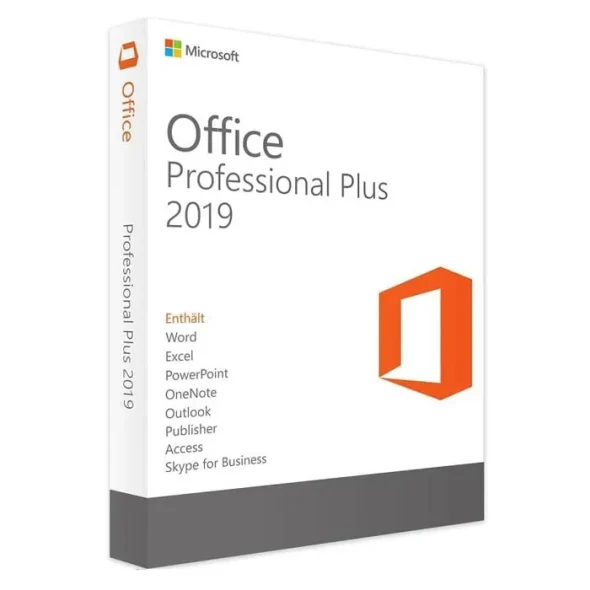
Description
Note: Here is activation guide for Office
How to activate MS Office 2019 Pro Plus:
- Download and install from setup.office.com
- Open a Office app, for example Word
- Go to Account
- There will be a message about activation required – choose “I have a product key” option and
- Activate MS Office 2019 Pro Plus with phone verification option – you will be given a phone number and an installation ID – call to that phone number and enter the code, then you will get a confirmation ID.
- Enter the confirmation ID on software
- MS Office 2019 Pro Plus has been activated.
Office 2019 Pro Plus is designed to help you create and organize faster with time-saving features, a new modern look, and built-in collaboration tools. Plus, you can save your documents in the cloud on One Drive and access them from anywhere.
Word
Create and share professional-looking documents with state-of-the-art editing, reviewing, and sharing tools. The new Design tab provides quick access to features, and Smart Lookup shows relevant contextual information from the web directly inside Word.
Excel
Analyze and visualize your data in new and intuitive ways with a fresh user interface plus your favorite keyboard shortcuts. Leverage features like Analysis Toolpak, Slicers, and Formula Builder to save time, so you can focus on insights.
PowerPoint
Create, collaborate, and effectively present your ideas with new slide transitions and an improved Animations task pane. Threaded comments alongside your slides help you incorporate feedback into your presentations.
OneNote
It’s your very own digital notebook, so you can keep notes, ideas, web pages, photos, even audio and video all in one place. Whether you’re at home, in the office, or on the move, you can take it all with you wherever you go while sharing and collaborating with others.




Reviews
There are no reviews yet.